

Appearance
The Elementor module
VX Framework models your content. Elementor draws it. The Elementor module is the join: every VX field becomes something you can bind to a control, show or hide an element by, or repeat an element for.
Turn it on: VX Modules → Modules → Elementor. It needs Elementor active — it works with Elementor and with Elementor Pro.
What it adds
| Feature | Where you meet it |
|---|---|
| Nine dynamic tags | Elementor's dynamic tag list, under VX |
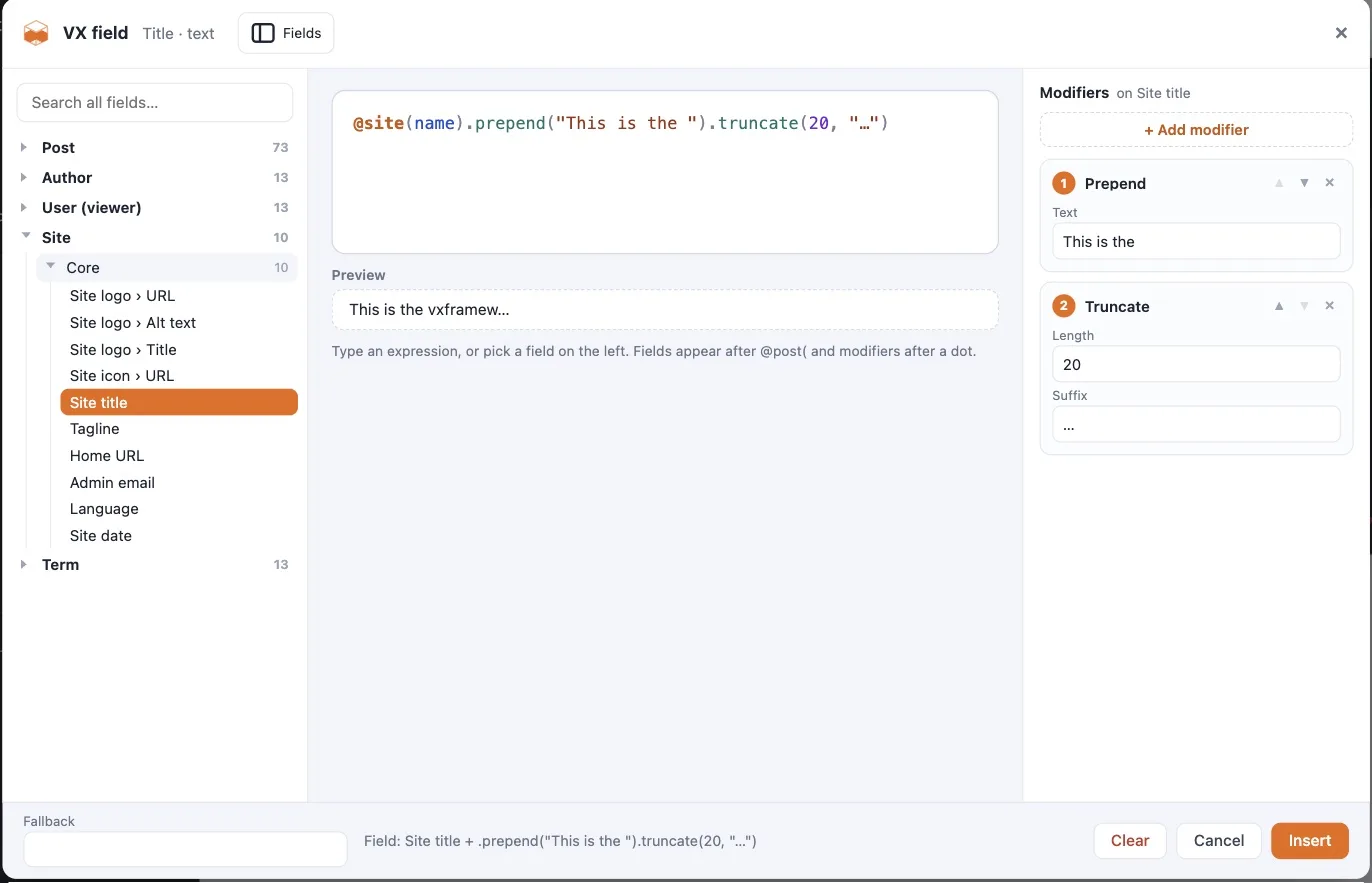
| The VX picker | A VX button beside the dynamic switcher on every dynamic-capable control |
| Visibility rules | A VX Visibility section on the Advanced tab of every element |
| Loops | A VX Loop section on the Advanced tab of every element |
| Structure panel icons | An icon in the navigator on every element carrying a VX binding, rules, or a loop |
| Right-click copy and paste | A VX group in the element context menu: copy and paste rules, copy and paste a loop |
All of it works on classic Elementor elements and on Elementor V4 atomic elements.
What it does not add
The module does not build a Theme Builder, a template system, or a post grid. Elementor Pro already has those, and reimplementing them would mean two systems fighting over the same job. Pair the module with Elementor Pro's Theme Builder when you need single templates, archives, or a query loop, and use VX's dynamic tags inside them.
Free Elementor goes a long way
On free Elementor the module still gives you every tag, the picker, visibility rules, and loops on ordinary pages. What you give up is Pro's Theme Builder — so a single-post template that renders VX fields needs Pro, while a page that renders a specific post's VX fields does not.
Two controls that were missing dynamic support
Elementor ships a few core controls without dynamic support switched on. The module opts two of them in, because they are the ones people reach for constantly:
- Text Editor — the editor content
- Alert — the title and the description
If you need another core control opted in, the list is filterable:
php
add_filter( 'vxm/elementor/dynamic_controls', function ( array $controls ): array {
    $controls['heading'] = [ 'section_title' => [ 'title' ] ];
    return $controls;
} );
How it stays safe across Elementor releases
Everything goes through Elementor's public hooks — controls/base/behaviors, document/dynamic/*, elementor/frontend/{type}/should_render, the atomic props schema — never through overriding Elementor's own classes. Elementor's own dynamic switcher, its indicators, and its context menu keep working exactly as they did.
Next
- Dynamic tags — the nine tags and how to bind them
- Visibility rules — showing and hiding elements
- Loops — repeating an element per item