

Appearance
VX Modules
VX Modules is an add-on plugin for VX Framework, the data-modeling plugin from 27collective. VX gives a WordPress site real content structure — post types, taxonomies, fieldsets, dynamic data. VX Modules puts that structure to work: in Elementor, in a spreadsheet, on the posts list, in front-end forms, and in your store.
Current release: 0.1.0. See the changelog for what's in each version.
Requirements
| Requirement | Minimum |
|---|---|
| WordPress | 6.9 |
| PHP | 8.1 |
| VX Framework | 1.0.0-beta.1 or newer — Free or Pro |
| Elementor | Free or Pro, for the Elementor module only |
| FluentCart / WooCommerce | For the matching store module only |
VX Framework is not optional
VX Modules never bundles VX and does nothing useful without it. It installs alongside VX Free or VX Pro and uses only VX's GPL-licensed PHP extension points.
The nine modules
| Module | What it does | Default |
|---|---|---|
| Elementor | Nine dynamic tags, a VX field picker beside every dynamic control, visibility rules on every element, and loops | Off |
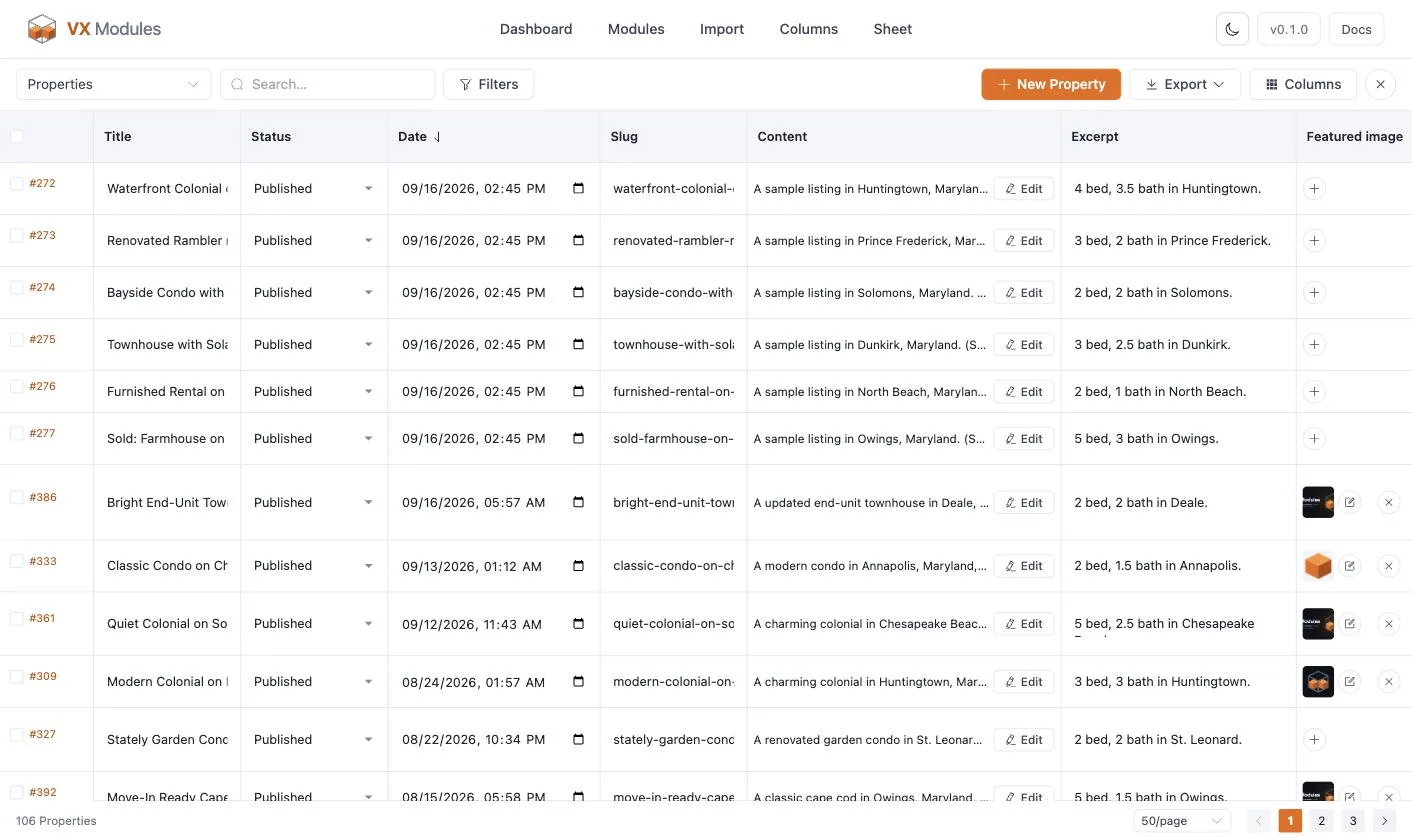
| Sheet | Every post of a post type in one full-screen grid, every field editable in place | Off |
| Columns | The whole column set of a post type's list, plus a bulk editor that previews before it writes | On |
| Validation | Rules a post must meet before it is published | Off |
| Forms | Front-end forms: post, standalone, registration, login, password reset, and product options | Off |
| Messaging | Private conversations between members, and about a listing: threads, groups, files, read receipts, a chat dock | Off |
| WP All Import | VX fields in WP All Import's mapping step | Always on |
| FluentCart | FluentCart store data as VX dynamic data, product fields, product options forms | Off |
| WooCommerce | The same for WooCommerce | Off |
Nothing but Columns is on out of the box. A module that is off registers nothing at all — no hooks, no assets, no abilities.
Where to start
| Guide | What it covers |
|---|---|
| Installation | Installing, checking VX is there, and turning modules on |
| The admin screens | Every screen under the VX Modules menu, and the WP-CLI commands |
| Importing from ACF, Meta Box, and Pods | Moving an existing site's fields into VX |
Building pages
| Guide | What it covers |
|---|---|
| The Elementor module | What it adds to the editor, and what it deliberately does not |
| Dynamic tags | All nine VX tags, the contexts they read, modifiers, and the VX picker |
| Visibility rules | Showing and hiding any element by VX's own rule engine |
| Loops | Repeating an element once per repeater row, gallery image, or related post |
Managing content
| Guide | What it covers |
|---|---|
| The Sheet | The full-screen grid editor: cells, filters, new rows, bulk edit, CSV export |
| Admin columns and bulk edit | The posts list, Quick Edit, and the bulk editor's preview |
| Validation | Required, conditional, unique, pattern, and at-least-one rules |
Forms
| Guide | What it covers |
|---|---|
| Forms overview | The six form kinds, the builder, and how to place a form |
| Fields and their settings | The field kit, widths, columns, icons, limits, and uploads |
| Conditional logic | Show-when rules on fields and send-when rules on notifications |
| Settings reference | Every setting on every settings page, by form kind |
| Notifications and smart codes | Email notifications, when they send, and every merge tag |
| Registration forms | Sign-ups, roles, approval, verification, and limits |
| Login and password reset forms | Signing members in and resetting passwords on your own pages |
| Entries | Reading, approving, exporting, and deleting what came in |
| FluentCRM integration | Adding submitters to lists and tags, and mapping custom fields |
| Styling forms | The style controls in the block, the Elementor widget, and Bricks |
Messaging
| Guide | What it covers |
|---|---|
| Messaging overview | Conversations, groups, the chat dock, and how a link starts one |
| Settings and health | Every setting, and whether the module is working |
| Dynamic tags | message_url, the viewer's unread counts, response figures, the cache-safe badge |
| Styling the messenger | The style controls in all three builders |
| Moderation | Blocking, reports, removing a message, exporting a conversation |
E-commerce
| Guide | What it covers |
|---|---|
| FluentCart and WooCommerce | Turning a store module on, and what each one adds |
| Store dynamic data | @product, @cart, and @customer in full, plus the store visibility rules |
| VX fields on product pages | Putting a product's own VX fields on its page, and editing them in admin |
| Product options forms | Asking a buyer for details before Add to cart — and where the answers land |
Reference
| Guide | What it covers |
|---|---|
| MCP and abilities | What VX Modules hands an AI agent, and how to let it through |
| Changelog | Release notes for every version |